Start With Rake in Grass's Dungeon RPG
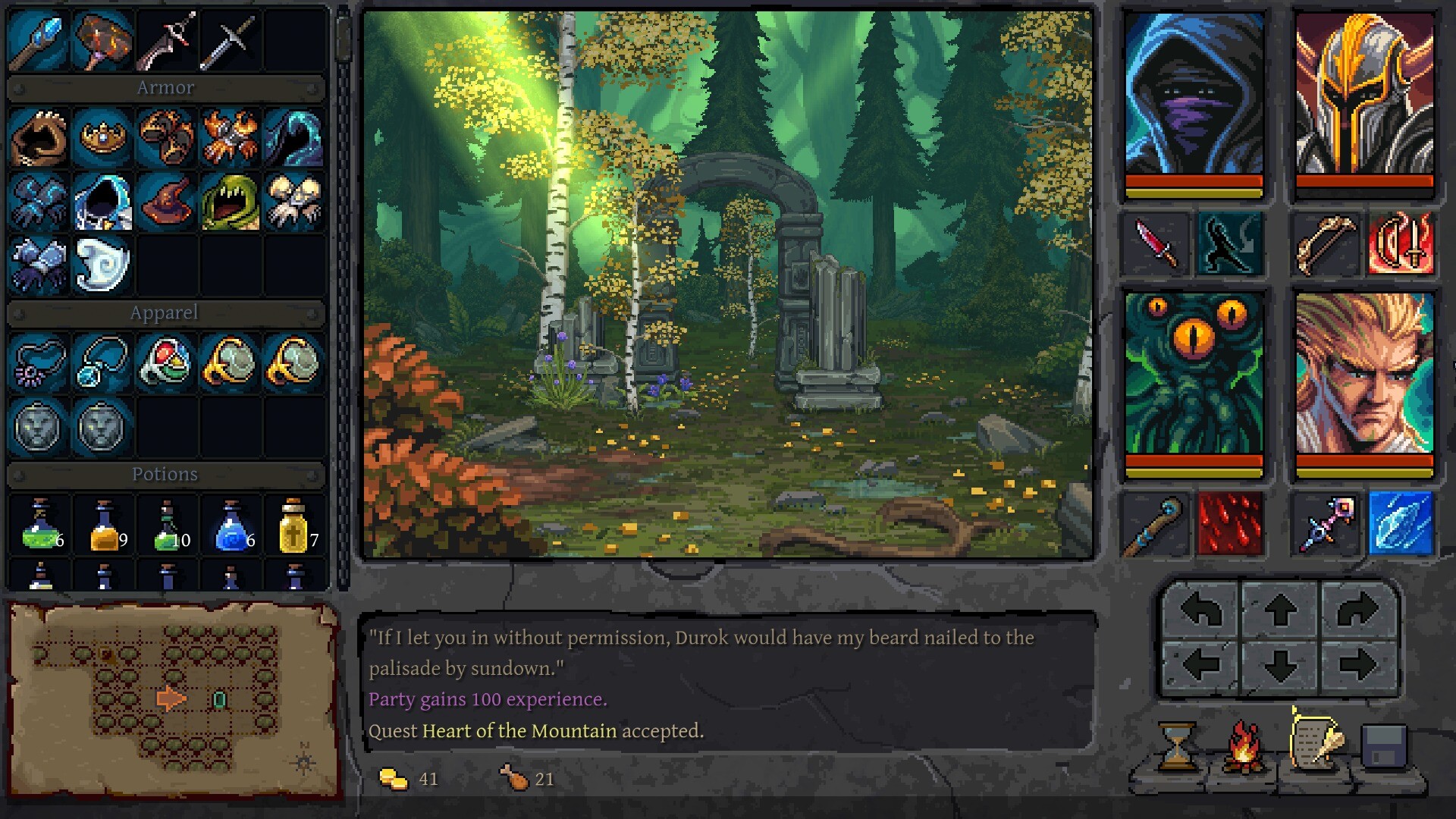
Underkeep is Rake in Grass's single-player, first-person, grid-based dungeon RPG, where you lead four adventurers to investigate a missing dwarven expedition and an ancient tower. Start the released Windows game through Steam or GOG, or try the separate free Steam demo first.
What Your Party Is Trying to Do
You create a party of four adventurers and explore a handcrafted fantasy world. Your investigation centers on the missing dwarven expedition and the ancient tower. Along the way, your party must survive tactical turn-based encounters, traps, and puzzles.
The first-person perspective, grid-based exploration, and tactical turn-based combat identify the kind of dungeon adventure you are choosing. Rake in Grass is both the developer and publisher. Check that name on the product listing to identify the Underkeep covered by this guide.
Start the Full Game on Steam
- Open the Steam full-game page for Underkeep by Rake in Grass to reach the correct released product.
- Purchase the Windows full game through Steam to choose the full release rather than the separately listed demo.
- Install the full game through Steam so you can begin playing the released adventure on Windows.
- Create a party of four adventurers to begin exploring the handcrafted fantasy world and investigating the missing expedition.
Choose GOG for DRM-free Offline Play
GOG also offers the released Windows full game. It advertises DRM-free offline play, making it a supported route if offline access matters to you. Choose between GOG and Steam according to how you prefer to obtain and play the game.
Open Underkeep on GOG to buy the Windows full game with DRM-free offline play.
Try the Demo as a Separate Introduction
The free Underkeep Demo is a separate, limited Steam release. Use it as an introduction, and do not expect its save file or exact opening level to transfer into the full game. When you are ready for the full adventure, choose the full-game listing for your purchase.
Check Windows and Steam Deck Support
The released storefront routes here are for Windows PC through Steam and GOG. Steam Deck compatibility is marked Playable, with possible attention needed for text, controller prompts, and on-screen keyboard interactions. Consider those interactions if a Deck is your preferred way to play.
Underkeep supports an English interface, alongside Czech, Polish, German, Spanish, Russian, and French.